


For about ten years, I ran delivery routes: roughly 30 trucks, 150 to 200 stops per route every day, and every problem that came with them. Missed pickups, damaged boxes, drivers calling out sick, trucks breaking down in the California heat.
Most of what went wrong wasn't a driving problem. It was an information problem. The gate code lived in one driver's head. The receiving crew's phone number was taped inside a truck cab. The fix I made in one system never reached the other.
That's what a CRM for logistics should solve. Not routing, not package scanning, but the customer knowledge, handoffs and follow-through that fall between those systems. Here's how I'd evaluate a Salesforce-based operation today, based on what I lived through.
What should a CRM for logistics make easier?
A good CRM gives your team one dependable picture of each customer and the commitments you've made to them. That doesn't mean every dispatch, routing or warehouse function belongs in it. The first job is deciding which system owns which information, and how people need to use it.
When a customer calls about a late delivery, a missed pickup or a damaged box, whoever answers needs the account history, a clear owner for the next step, and a way to keep the customer updated.
Start with the outcomes you want, not the screens. Fewer handoffs when something goes wrong. Customers who hear about a problem from you before they have to call. Less time hunting for the latest information. Measure where you are today, so you can tell later whether the change helped.
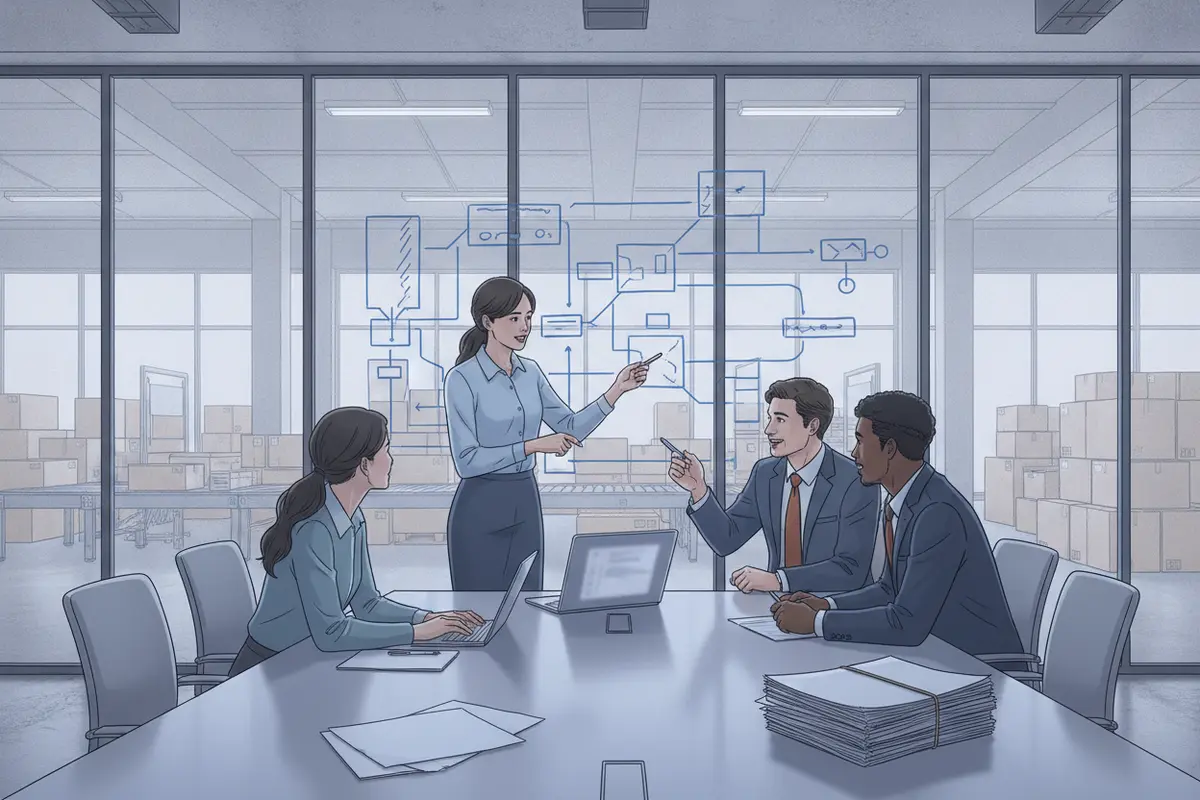
The exceptions that actually eat your week
Exceptions show whether a CRM workflow supports real operations. The ones that ate my week were predictable:
Missed pickup windows. Usually one of three reasons: the bay door was closed and nobody answered, the driver ran out of time, or the truck was still too full of deliveries to take the pickup. Drivers calling out. I ran the route myself. If a second driver called out, I grabbed another truck at the end of the day and split its load across the trucks still on the road. Misdelivered or missing packages. That meant driving to the customer's house, talking to whoever was there, and filling out the paperwork. Damaged packages. Leaking wine, split bags of pet food and cat litter. The driver gets blamed, even when the damage happened on a plane, a train or a long-haul truck before the box ever reached us. Peak season and weather.* At the holidays, we needed 30 to 50 percent more trucks than normal, and I rerouted whole sections every day. Snow, fires, flooding and mudslides closed off entire neighborhoods.
The most expensive exception I dealt with was one that wasn't real. A driver would call ahead, the customer would say they had nothing going out, and he'd skip the stop. If he forgot to close it out on the scanner, there was no scan and no GPS record. The next day, we'd get a $200 fine for a missed pickup that was effectively handled.
> In a CRM, "nothing happened" has to be recorded as an outcome. Otherwise the system treats it as a failure.
For each exception type, agree on a few rules:
Capture: what information is needed so the customer doesn't have to repeat themselves? Classify: how do staff judge urgency, impact, and which team should respond? Assign: who owns the next action, and how does ownership move if they can't resolve it? Update: who talks to the customer, and what triggers the next update? Resolve:* what confirms the issue is closed, and what should be recorded for next time?
Test the edge cases too. What happens when a record has no account match, an integration is down, two teams claim the same issue, or the customer calls back before it's resolved? Design a fallback, so work never silently drops when a field or automated step is missing.
The customer knowledge that lives in people's heads
> Some of the most valuable customer data I managed was taped to the inside of a truck cab.
Drivers kept the receiving crew's phone number on a scrap of paper in the cab. They memorized gate codes for apartment complexes, mobile home parks and gated neighborhoods. They knew which of a warehouse's 70 dock doors was the right one. When a substitute ran the route, all of that disappeared. I watched drivers circle giant warehouses looking for an unlabeled door.
It went beyond convenience:
Access notes. Some customers had long driveways with low tree branches our trucks couldn't get under. After I called them, many put a locked tote at the end of the driveway. That saved time on every future delivery, as long as whoever was driving knew the combination. Delivery preferences. Which apartment offices accepted packages in a secure package room, and which buildings had high theft. In my experience, packages left at apartment doors went missing often enough that we moved to in-person delivery at many complexes. Safety. Some stops had aggressive dogs, and I dealt with more than one dog bite. That is account information that keeps people safe. Seasonal knowledge. I knew which snow routes got cleared on Mondays, so held packages could be scheduled for a realistic retry date. Nobody else did.
If that knowledge only lives in one person's memory, it isn't really your data. It leaves when they're out sick, and it's gone for good when they quit. Recording it on the account, where any driver or service rep can see it, is one of the simplest and highest-value things a logistics CRM can do.
Dispatch visibility and pickup windows
Dispatch needs tools built for dispatch decisions. Your CRM doesn't need to replace your routing platform or calculate routes. It needs to know what customer-facing teams should see from dispatch, and what dispatch needs to know about the customer.
I watched every pickup window myself. If a driver was 30 minutes from a 2:00 pickup at 1:45, I was on the phone asking for an extension. Or I called the driver and told them to break route and go get it, sometimes miles out of their way. That works for one manager watching 30 routes on a good day. It doesn't scale, and it falls apart the moment that manager is out covering a route.
A CRM should flag an at-risk window early enough to act, at 1:30 instead of 1:45, and tell someone what to do about it. A status on a screen without an owner, a next step and a customer update adds very little.
How fresh does the data need to be?
Not everything needs to be real time. A customer who can see their package is out for delivery is usually fine with that. A pickup window about to close needs attention right now. Tie "real time" to an actual decision, because it adds design and support work.
And real time is only as good as the signal. Our rural mountain routes lost cell coverage, and the scanners and tablets went dark until they reconnected. A pickup could be missed purely because of bad reception. Decide what the office sees when a device goes quiet, and who follows up.
Use the data with customers, too
The operational data is also a customer conversation. I'd look at when my trucks were actually in an area, then call customers and ask whether they'd move their pickup window to match. Customers choose their windows, but when you can show them the data, many will meet you halfway.
Integrations and data boundaries
Every morning, I uploaded stop files by hand into our routing app. Drivers then marked every stop delivered twice, once on the scanner and again on the tablet, across 150 to 200 stops a day.
When I found a bad address, like an apartment complex with no unit number or an office building with no suite, I'd fix it in the routing app. I even built my own spreadsheet to catch the common ones the night before. But the scanner still showed the wrong address unless the package went back to QA to be relabeled. Two systems, two versions of the truth. A proper integration would have let drivers log in and go, and it would have given me my mornings back.
The goal isn't to connect everything to your CRM. It's to connect the information your workflows actually need, with a clear source of truth and an owner for each piece:
| Information | Question to answer | What to define |
|---|---|---|
| Customer and contact records | Where is the authoritative account information? | Owner, matching rules, required fields, access |
| Shipment and stop status | Which system creates and updates each status? | Statuses to share, timing, error handling |
| Service issues and claims | Who receives an issue and controls the resolution? | Priority, routing, escalation, closure criteria |
| Fleet and vehicle records | Where do maintenance, registration and fuel data live? | Owner, update frequency, alerts |
| Driver updates | What can drivers view or submit reliably? | Required data, connectivity, fallback steps |
For each exchange, document the fields, the direction, how often it runs, and what happens when it fails. Agree on record IDs, duplicate handling and required fields before you migrate anything. A successful connection is not the same as reliable information.
What drivers and field teams need
Drivers will not type a paragraph about what a customer said. They have 150 stops to make. Logging has to take seconds, through quick picks, codes or voice.
Requirements only stick when they're built into the workflow. Our drivers were supposed to complete pre-trip and post-trip vehicle inspections, and many just ticked every box and drove off. The only thing that worked was locking the scanner until the pre-trip was done. Drivers didn't love it, but the inspections got done.
Plan for the device failing, too. Our tablets overheated in the summer sun. I've seen drivers stop their route and cool an iPad with a damp cloth and a fan, because the gate codes for the next neighborhood were on it. If critical information lives in only one place, have a fallback.
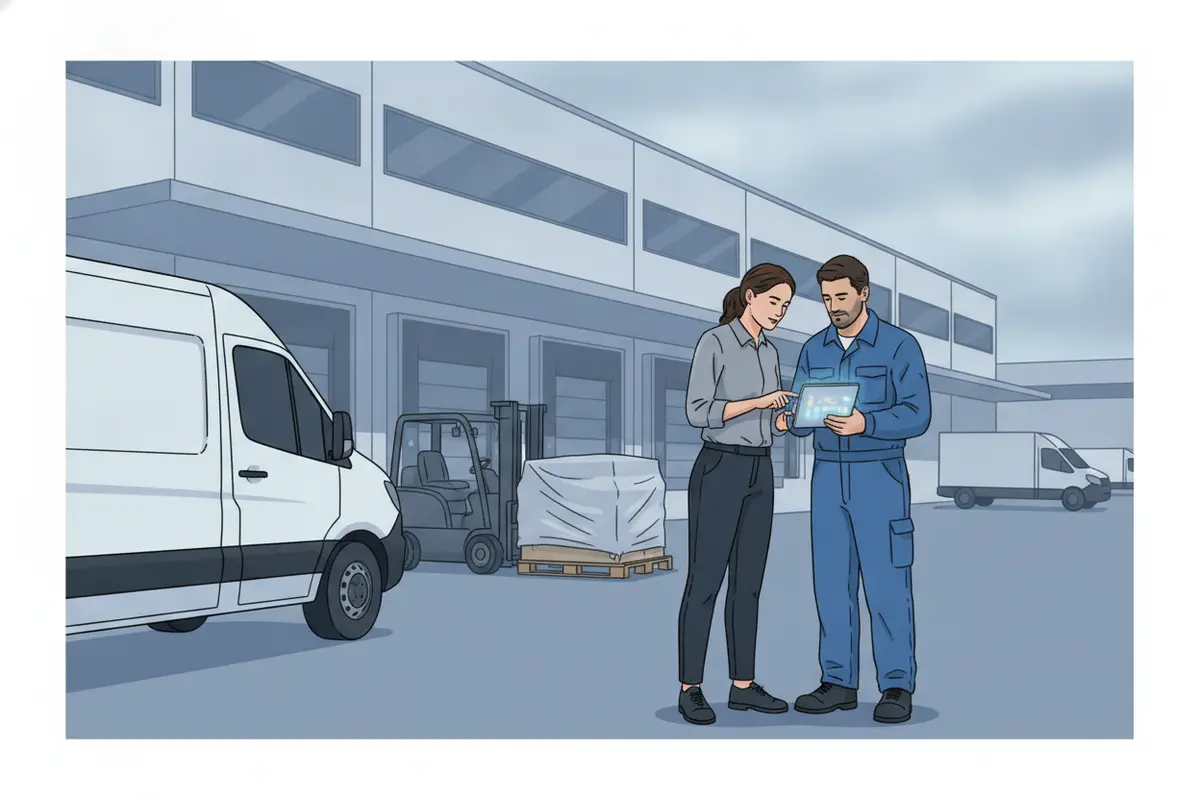
Using operational data to keep customers
Customers told us they were getting fed up long before they said it out loud. You could hear it in how they talked to the driver. The warning signs were consistent:
Repeated missed pickups More calls about the same issues Damage claims Requests to change their pickup windows * A change in tone with the driver at the dock
The problem was that those signals never landed in one place. Customers often called someone else first, so by the time the bad news reached me, a large retail account was already talking about switching carriers. At that point, I had to go out in person and rebuild the relationship.
What saved accounts was relationships. When the receiving manager knew the driver by name, I could call and say, "Your driver Tim is running behind today. Can you give us a little leeway?" The answer was usually yes. Customers who had my cell number called me first, and those problems got fixed early.
A CRM should keep those relationships visible: named contacts, the driver they know, the history of issues, and who to call. That way relationships don't leave when a person does, and the warning signs reach an account manager while there's still time to act.
One more lesson: customers report bad experiences and rarely report good ones. For a balanced picture of an account, go looking for the good news yourself.
Capacity planning: when to spend $80,000
Logistics comes down to who has what. Thirty oversized boxes for one stop might need to be split across four trucks. Someone has to know which truck carries which packages, when they need to arrive, and who's driving. I tracked truck capacity by the cubic foot, across everything from 26-foot box trucks to cargo vans, so loads would actually fit.
Track that well, and you can answer the bigger questions. Do we actually need another driver, or another $80,000 truck? Or can better routing and load balancing get more out of the fleet we already have? Some of my drivers finished in six hours and went home while others were still out. Better data won't make anyone stay late, but it shows where routes are unevenly loaded so you can rebalance them.
Fleet details belong here too: mileage, oil changes, tire tread depth, registration, insurance, scanners, and fuel card use. Our routing app handled stops reasonably well, but it fell flat on the fleet side. That's a natural fit for a platform like Salesforce, and it's where I'd have used it first.
Comparing implementation approaches
The right approach depends on your existing systems, who owns the data, how much needs to integrate, and who will support it afterward.
| Approach | May fit when | Risks to watch |
|---|---|---|
| Configure CRM around one defined workflow | The process is clear and mostly lives in CRM | Over-customizing, or leaving operational data disconnected |
| Integrate CRM with your logistics systems | Routing and dispatch stay where they are, but teams need shared context | Unclear data ownership, sync failures, growing scope |
| Phase the work by use case | Several teams need change, and priorities must be proven in order | A first phase that ignores later dependencies |
| Fix the operating process first | Handoffs, ownership or data standards are inconsistent | Automating a process before anyone agrees on it |
Ask any implementation partner how discovery becomes a prioritized scope, how they'll record assumptions and dependencies, and how users will test the result. A credible plan separates must-haves from nice-to-haves and is clear about who owns integrations, data cleanup, training and ongoing support.
At Omnivo, we deliver in phases and hand knowledge over to your team as we go. You can read more in our services overview and expertise information.
Rolling it out to dispatchers and drivers
Adoption depends on whether the system fits the work. When our routing app rolled out, some drivers resisted the tablet at first. Once they saw they could run their routes faster, with every stop and gate code in one place, most came around. What frustrated drivers was double entry. Any step that doesn't save the user time is a step they'll skip.
Involve dispatch, service, sales and drivers in discovery and testing. Have them walk through their real day and show you where they enter the same thing twice. Train by role, using real scenarios. Name a business owner and an admin to handle feedback after launch.
Pick a few measures before rollout, with a baseline, such as:
Time to first customer update on an exception Percentage of exceptions with an assigned owner Missed pickup windows per week Duplicate data entry per stop
Logins alone don't show adoption. Look at whether important records are complete and whether teams can find what they need.
Where to start
If you run a carrier and you're thinking about Salesforce, here's my advice:
> Start small. Map your workflows first, including the messy ones. Don't automate chaos. Find the happy path, the way the work goes when everything goes right, and build that first.
Then take on exceptions one at a time, starting with the one that costs you the most. Before you choose a solution or partner, write a short brief that answers:
Which customer or operational problems matter most to solve first? Which system owns each key record and status? What must users see, update or escalate in the CRM? Which integration failures need an alert, a retry or a manual fallback? What's intentionally out of scope for the first release? Who approves process changes and owns ongoing support?
For more on the kinds of operations we work with, see our retail services, industries served and customer stories.
Frequently asked questions
Can Salesforce replace a transportation management system?
Not by default. Keep routing, dispatch and package scanning in the systems built for them. Use Salesforce for the customer-facing and cross-team work that falls between those systems, and integrate where teams need shared context.
What should a delivery carrier track in a CRM that its routing system doesn't?
Customer knowledge that lives in drivers' heads: receiving contacts, gate codes, dock doors, access notes, and safety hazards like aggressive dogs. Also relationship history, service issues and claims, and fleet records such as maintenance, registration, insurance and fuel use.
How do you know a logistics customer is about to leave?
Watch for repeated missed pickups, more calls, damage claims, requests to change pickup windows, and a change in tone with drivers. The key is getting those signals in front of an account manager while there's still time to act.
Do we need real-time data in our CRM?
Only where a decision depends on it, like a pickup window about to close. Many updates can be scheduled. Either way, plan for devices losing signal, and decide who follows up when data goes quiet.
What should we integrate first?
The data exchange behind your highest-priority workflow. Define the source of truth, who uses it, timing, failure handling and a test scenario before you expand.
About the author
Jonathon Tuck is a partner at Omnivo Digital. Before Salesforce consulting, he spent 15 years in logistics, including about 10 years as a Senior District Route Manager in FedEx's contractor network. He was responsible for roughly 30 delivery routes and 4,500 to 6,000 stops a day, along with routing, fleet, driver training and customer escalations.