
Running a modern distribution business without a clear pipeline view leads to wasted stock and lost revenue. Many firms struggle to connect their field reps with warehouse data, creating silos that slow down growth.
Salesforce for retail and consumer goods companies connects sales, supply chain, and customer data into one platform. This replaces the manual spreadsheets and fragmented systems that cause costly errors across CPG and distribution businesses.
Build a smarter Salesforce strategy with Omnivo Digital.
Connect with our team to discuss your CRM goals, Salesforce challenges, and the best next step for your business.
Building a strong pipeline needs more than just new software; it needs a deep look at how your team works every day. Understanding the unique Salesforce challenges of CPG and distribution companies is the first step toward fixing the gaps in your sales process. Here is how your firm can start.
What Makes Salesforce for Retail and Consumer Goods Companies Different for CPG and Distribution?
CPG and distribution companies face fragmented data, poor pipeline visibility, and manual trade spend tracking. Salesforce solves these by unifying field rep activity, warehouse stock, and customer data into one real-time view.
Consumer packaged goods (CPG) and distribution companies face a hard path to growth. Many of these firms still run on old ways of working that slow down every part of the business. Teams often find their data spread across dozens of sheets. This split makes it hard to see the whole picture of the sales pipeline. When data stays in silos, leaders cannot make fast moves to win in a tough market.
Fragmented data and manual work
For most Salesforce for retail and consumer goods companies, the biggest hurdle is fragmented data. Sales teams often spend hours each week typing numbers into Excel. They manually track orders, stock levels, and store visits. This work leads to many errors. It also keeps your best sales people stuck behind desks instead of out in the field making deals. Manual tracking makes it hard to trust your own numbers.
Without a single source of truth, teams work in the dark. One unit might see high demand while another sees a surplus of stock. This gap causes waste and lost sales. A study from Salesforce shows that data silos and poor quality prevent teams from taking real-time action. Most leaders in the field now say data maturity is the only way to keep growing. You need a system that brings all these points together into one view.
Poor pipeline visibility and trade plans
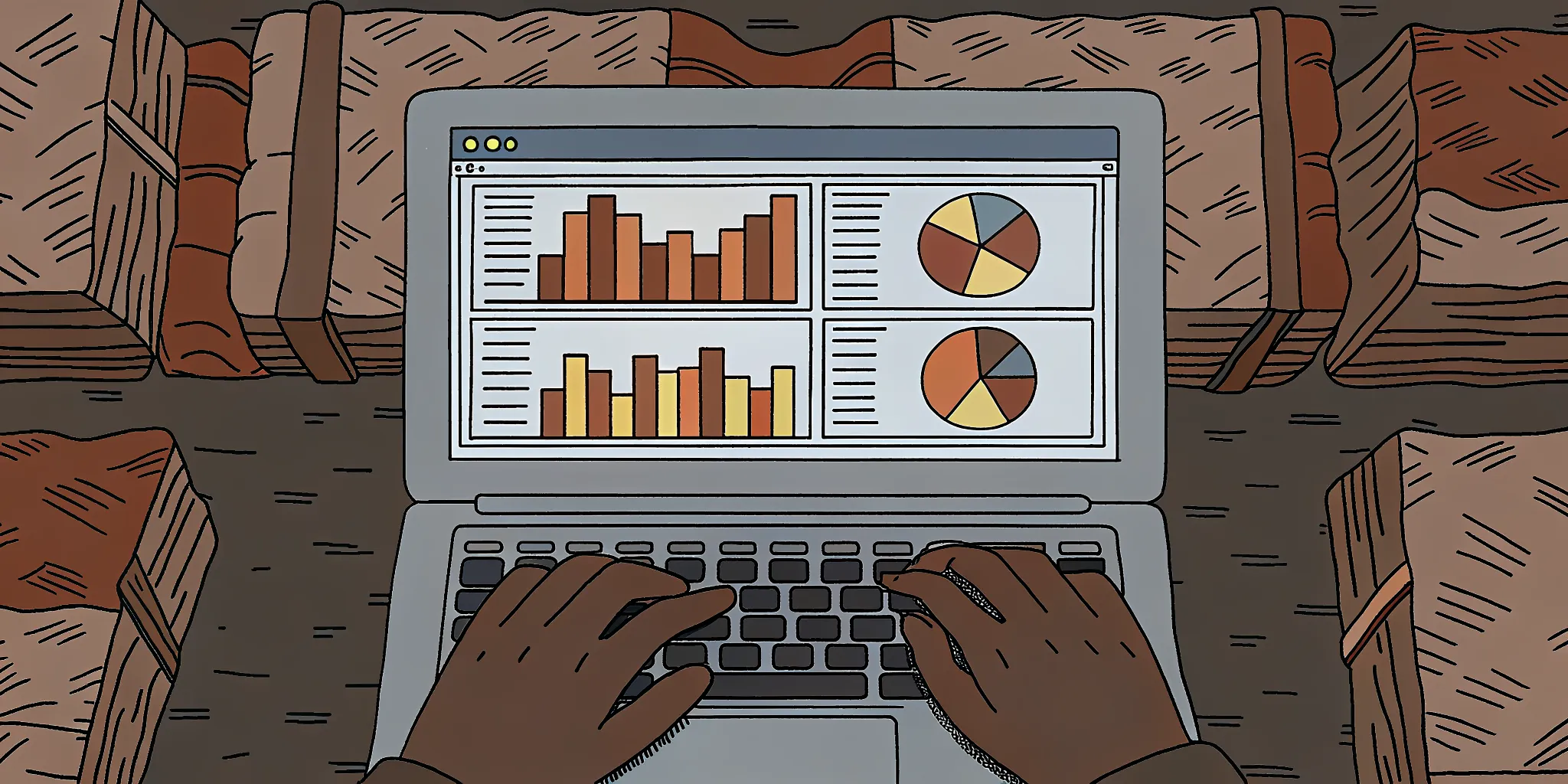
Real-time visibility into the sales pipeline is rare for many firms. Many distributors do not know if a store has their goods on the shelf until a rep visits in person. This lack of data makes it hard to plan for the future. You cannot forecast demand well if you do not know what is happening now. Poor visibility leads to missed chances and stockouts that hurt your brand. It also makes trade plan work a guessing game.
Trade plans and accruals add more stress to the pile. Managing trade spend often involves complex math and manual checks. If you cannot track these funds well, you risk overspending or losing track of what you owe. Accurate tracking is vital for keeping profit margins healthy. Without a solid tool, your finance team may spend too much time chasing down small errors. This work takes them away from more important tasks that help the company grow.
Solving the process gap
At Omnivo, we see these issues every day. We know that technology alone is not the answer. Most failed setups happen because the tech does not match how the business actually works. That is why we use a “business process first” approach. We look at your workflows before we touch any code. Our goal is to make sure your tools help your people, not slow them down. We have helped firms like Patriot Mills fix these gaps to win more business.
Discuss Your Pipeline Challenges With Our Team
The right setup helps you move away from sheets for good. It gives your team a mobile app that works offline. It automates your trade spend and gives you real-time reports you can trust. By putting process first, we ensure your team spends less time on data entry and more time on high-value work. This shift is the key to scaling your work in a smart way. When your team has the right data, they can make moves that drive real ROI.
How to Configure Territory Management for Multi-Region Sales Teams
Configure territory management by defining your sales regions based on geography or account size, assigning reps to role hierarchies. Setting up per-territory forecasting, creating visibility rules, and iterating with monthly reports to keep coverage balanced.
For retail and consumer goods firms, managing sales across many regions is a big task. Using salesforce for retail and consumer goods companies helps you see who is selling what and where. This view is key for growth. At Omnivo Digital, we use our Sales Cloud skill to help teams build strategic tools that make money. We focus on lead and deal setup that replaces messy sheets and notes with one clear system.
Designing Your Sales Regions
A good plan starts with clear goals. You must know how your teams will work before you set up the tools. Many firms align their sales zones with standard regional maps. For example, you might use data from the U.S. Census Bureau to define your market areas. This helps you group your accounts in a way that makes sense for your reps and your shipping lines.
We see many firms struggle with old ways of tracking deals. Our team focuses on process first and tech second. We help you move away from paper notes and text messages. Instead, we build a system that tracks every step of the sale. This is vital when you have reps in different states or time zones. It keeps everyone on the same page and helps you find gaps in your coverage.
Step-by-Step Setup
Setting up your territory model in Salesforce takes a few clear steps. Follow this guide to get your multi-region team running fast:
- Define your territory model. You can group accounts by location, size, or product line. Most firms use a mix of these to ensure no rep has too much or too little work.
- Assign sales reps to the role hierarchy. Make sure each rep knows who they report to. This helps with approvals and keeps the chain of command clear for everyone.
- Set up forecasting by territory. Use the platform to predict future sales based on past data. This helps you plan for stock needs and set goals for each region.
- Create visibility rules. Set who can see what data. You want reps to see their own accounts but keep high-level data for managers. This protects your data and reduces noise.
- Iterate with reports. Look at your data each month. See which zones are growing and which need help. Make changes to your model to keep things fair and productive.
Maximizing Your ROI
A good setup does more than just track sales. It helps you save money and time. For instance, we worked with Metroll to build a custom system for their manufacturing needs. This project included a multi-station scheduling tool that helped them move employees to where they were needed most. As a result, they saved $100,000 every year and saw a 250% ROI on their build. You can learn more in our Salesforce Sales Cloud build guide.
Success in Sales Cloud comes from a phased approach. We build the most impactful features first. This lets you see results fast while we work on deeper tools like ERP links or custom apps. Our “MBAs Who Code” mindset means we think about your profit margins, not just the code. We want your Salesforce build to be a strategic engine for your firm’s future success.
How Do You Build a Product Catalog and Pricing Rules in Salesforce for Distributors?
Start by grouping products into clear categories with custom fields for size, material, and brand. Then use Salesforce Price Books to create tiered pricing per customer segment. Add CPQ or custom Apex code for complex quoting rules that prevent errors.
Distributors face tough tasks when they manage thousands of items and many price lists. Using salesforce for retail and consumer goods companies helps teams group data and run complex sales paths. By setting up a strong product list, firms can make sure sales reps always have the right facts. This saves time and keeps the sales flow moving fast.
Managing Product Details and Groups
A clean product list is the base of any good sales system. You should start by grouping your items into clear sets. This makes it easy for reps to find what they need during a call. You can also add specific details to each item to help with search and sales. Common fields include:
- Size and weight
- Build type and material
- Brand or line name
- Custom part numbers
Using these facts helps you build a search tool that grows as you do. The U.S. Small Business Administration says that good inventory management cuts costs and keeps buyers happy. In Salesforce, you can use custom fields to track every detail that matters to your fans. This setup also lets you see which product lines do best each month.
Dynamic Pricing and Custom Price Books
Distributors rarely have one price for every buyer. Most use price tiers based on how much a client buys. Salesforce Price Books let you make different lists for different groups of people. When a rep makes a quote, the tool picks the right price based on the account info. This stops errors and keeps prices fair for everyone.
Omnivo Digital has seen how these tools bring clear wins. We built a custom system for Metroll using Sales Cloud to help with their work. This tool handled complex quotes and cost math right in the CRM. This project helped Metroll reach a 250% ROI by cutting out slow manual work. Smart price rules make sure your profits stay safe even when costs go up.
Faster Quoting with CPQ and Custom Code
Salesforce CPQ is a great tool for firms that sell complex sets of parts. It leads reps through the quote path to make sure every order is right. You can set rules that stop teams from selling parts that do not work well together. This cuts the risk of sending the wrong parts to a job site. It also makes the whole team work better.
For hard price rules, you may need custom code. We use Apex and Lightning Web Components (LWC) to build tools that do more than the base system. These custom tools can find real-time shipping costs or handle money swaps for firms that sell in many lands. Our work in salesforce for retail and consumer goods shows that custom code is often the key to speed. By making the quote path fast, you give your team more time to find new leads.
Integrating Salesforce with Warehouse and ERP Systems in Retail
Integrate Salesforce with your ERP and warehouse systems to close the gap between sales and stock data. Use MuleSoft for enterprise-level middleware, custom APIs for unique tools, or direct syncs like the NetSuite connection Omnivo built for Alliance Advisors to eliminate manual data entry.
Many retail brands treat Salesforce as a simple list of names. But a CRM only works when it connects to the rest of your tools. If your sales data stays in one place and your stock data stays in another, your team will struggle. At Omnivo Digital, we often ask clients: “Why invest in Salesforce if no one is going to use it?” A true ERP system should link every part of your shop to help you grow.

Closing the Gap Between Sales and Stock
Siloed systems slow down your growth. When your warehouse does not talk to your sales team, customers get the wrong info. They might buy items that are out of stock. This leads to bad reviews and lost trust. By linking your systems, you get a clear view of your whole business. You can see what is on the shelf and what is in the mail in real time.
| Fact | Siloed Way | Linked Way |
|---|---|---|
| Data Flow | Manual entry and delays | Real-time two-way sync |
| Inventory View | Guesswork and errors | Live stock updates |
| Order Speed | Slow paper trails | Fast automated workflows |
| Billing | Disconnected bills | Unified sales and billing |
NetSuite Sync and Alliance Advisors
One of our best success stories involves a firm called Alliance Advisors. They have about 150 people and needed to fix their data silos. We set up a two-way sync between Salesforce and NetSuite. This link joined their business growth with their billing steps. Now, they do not have to copy data from one tool to the next. You can read more about this in our customer stories section. This setup saves time and cuts down on human errors.
Scaling with MuleSoft for Consumer Goods
For big retail and consumer goods firms, the stack of tools can be huge. Using MuleSoft is a smart move when building salesforce for retail and consumer goods companies. It acts like a bridge between Salesforce and your old systems. This is very helpful for brands that move a lot of goods. It helps you track items from the factory to the front door. We use MuleSoft to make sure your data flows fast and safe. It lets you add new tools without breaking the old ones.
Custom API Solutions for Modern Retail
Sometimes, a standard link is not enough. Your shop might use unique tools for payments or documents. We have deep skill in custom API work. We have linked Salesforce with tools like Stripe for money and DocParser for data. We also use Conga to help with contracts. These custom links make your work flow better. They turn Salesforce into the main hub for your whole team. This way, everyone has the facts they need to win.
How Metroll Built a $2M Revenue Portal on Salesforce Experience Cloud
Metroll, a building supplies manufacturer with 273 employees, built a custom ERP inside Sales Cloud and launched an Experience Cloud customer portal. The portal generated $2 million in first-year revenue and delivered a 250% ROI through automated scheduling and reduced manual work.
Metroll is a building supplies maker with 273 workers. They needed a new way to manage complex orders and help customers buy goods online. Many firms look at salesforce for retail and consumer goods companies to bridge the gap between back-end work and front-end sales. Metroll did just that by building a custom tool on the Salesforce platform. This change helped them grow their sales and make their daily work much faster.
A full ERP for factory work on Sales Cloud
Metroll started by building a custom ERP within Sales Cloud. This tool handled everything from quoting and order management to work orders and shipping. It also managed their stock and cost of goods sold. They put all data in one place. This cut down on errors and saved a lot of time. The team no longer had to use old paper files to track their large projects.
Metroll used the system to track POs and invoicing with ease. This setup helped them run their business more like a modern tech firm than a standard factory. Having one source of truth made it easier for the sales team to talk to the shop floor. You can see more about how they did it in our customer stories.
The $2M Experience Cloud portal
The biggest win for Metroll was their new customer portal. They used Salesforce Experience Cloud to build a site where clients could place orders at any time. This move gave customers the power to check shipping and track work orders on their own. In the first year, this portal brought in $2 million in new revenue. It allowed the firm to reach more people without adding more staff.
The U.S. Census Bureau notes that digital tools help firms stay strong in the modern market. Metroll proved this by making it easy for people to buy their building supplies through a simple web link. The portal made the buying process fast and clear for every client. Many companies use Salesforce to reach new goals and serve their clients better.
High ROI and big savings
Beyond the new sales, Metroll saved a lot of money through automation. They set up smart scheduling for seven work stations in their shop. This change alone saved the firm $100,000 every year. It made sure that workers always knew what to do next without waiting. This led to fewer delays and a smoother flow of goods from the factory to the client.
Metroll saw a 250% ROI on their work with Salesforce. This project shows how deep the impact of the platform can be for a maker. It moved them from old ways of working to a new system that wins more deals. You can read the full Metroll case study to see all the details of their path to success.
Frequently Asked Questions
How do retail companies use Salesforce?
Retail firms use the tool to track buyer data and manage sales. They link store sales with web orders to see a full view of each person. This helps teams send targeted promotions to the right customer segments. Firms also use it to fix service tasks and keep steady clients. As stated by Omnivo Digital, firms must focus on their work steps first and use the tech to reach those goals.
What is the best CRM for consumer goods companies?
Salesforce is a top choice for these firms because it handles complex sales. It helps teams manage store visits and track what is on the shelf. The tool also links sales reps with the main office in real time. This keeps data clean and helps bosses make smart plans. Most mid-sized firms choose this tool to help them grow and stay ahead of the pack. It works well for both small and large teams in the field.
What is Salesforce Consumer Goods Cloud?
This is a special tool made just for firms that sell products to stores. It helps field reps plan their day and check store shelves with ease. The app can use AI to look at photos of displays and find errors. This saves time and helps reps sell more to each store. It also links sales data with shipping and stock tasks. This gives bosses a clear view of how their goods move through the market.
How does Salesforce help distributors see their sales pipeline?
The tool brings all sales data into one place so reps can see new leads and deals. It uses clear charts to show which sales are near the end and which need more work. This helps firms plan for the future and avoid a lack of stock. Per the NIH, using smart data tools can help firms reach their goals in times of high demand. This makes the whole sales process much more clear for the team.
How do I link Salesforce to my warehouse ERP?
You can link these tools by using a sync tool like MuleSoft or a direct plug. This lets data flow from your warehouse to your sales team in real time. Reps can see what is in stock before they make a sale. This keeps your leads happy and stops overselling. Most retail and consumer goods firms choose MuleSoft because it works with many old systems. Talk to an Omnivo Digital expert to find the best link for your needs.
Ready to Build Pipeline Visibility for Your Distribution Business?
Contact our team to talk strategy about how Salesforce for retail and consumer goods companies can transform your sales operations. Our MBAs Who Code will map your workflows first, then build the right Salesforce setup to deliver measurable ROI. Schedule your free strategy session today.
Build a smarter Salesforce strategy with Omnivo Digital.
Connect with our team to discuss your CRM goals, Salesforce challenges, and the best next step for your business.